
creatorslarge-filesvideoproductivityworkflow
How Content Creators Can Safely Send Large Video Files to Editors
·4 min read·Comfyfile

The life of a professional content creator is intense. You spend hours strategizing, framing, lighting, and filming. You shoot in 4K, 6K, or even 8K, producing massive, high-bitrate raw files and uncompressed audio. Then comes the bottleneck: how do you send hundreds of gigabytes of raw footage to your remote video editor without losing days to failed uploads?
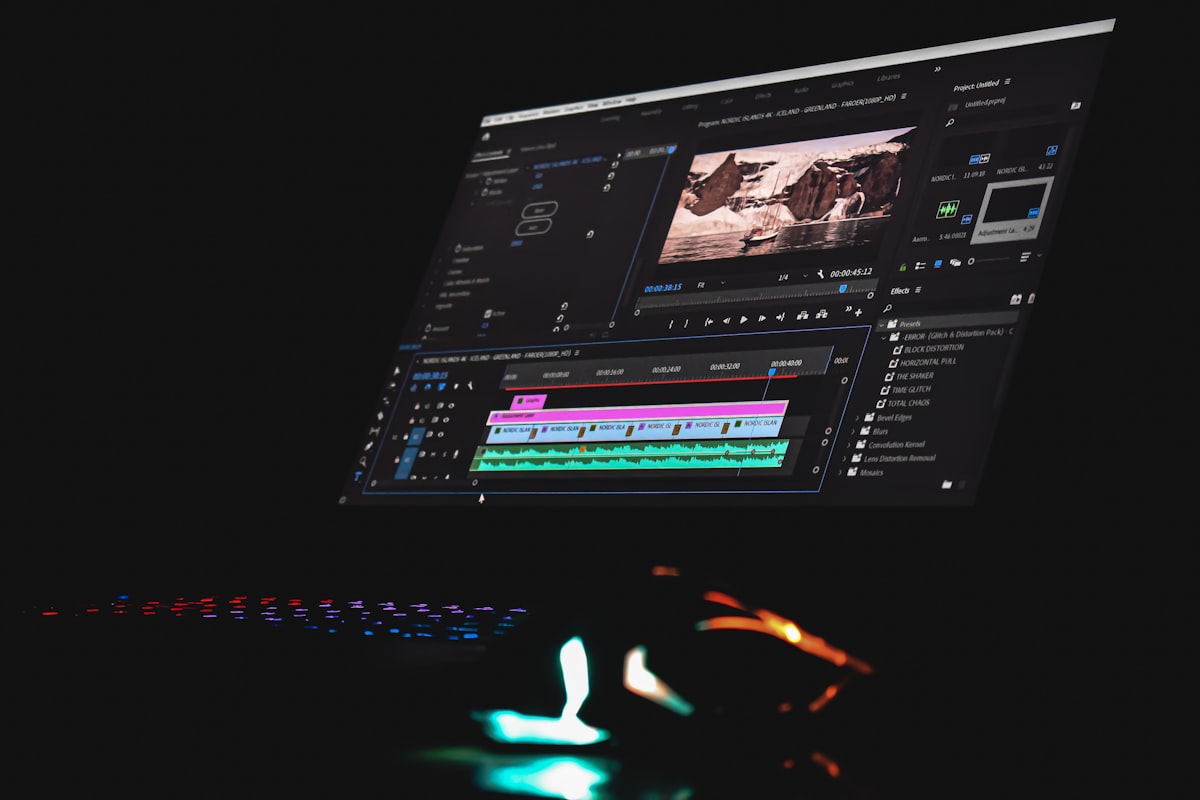
When an upload fails at 99%, you don't just lose time—you risk missing crucial upload schedules, breaking algorithmic momentum, and straining your relationship with your editing team. It's frustrating enough that some creators literally resort to mailing physical external hard drives overnight.
Here is the ultimate professional playbook for sending massive video files, optimizing your post-production workflow, and protecting your unreleased content.
Content creation demands specialized tools. When you try to shoehorn massive media files into consumer-grade cloud apps, the cracks show immediately.
Traditional cloud storage tools are fantastic for syncing small documents and spreadsheets. However, they struggle immensely with 100GB+ folders filled with heavy video formats (like Apple ProRes, BRAW, or uncompressed MXF).
Slack, Discord, and Telegram are heavily compressed environments. If you send a "final cut" or a proxy through these apps, the platform aggressively compresses the visual data. The file your editor downloads will not be the high-fidelity file you exported from DaVinci Resolve or Premiere Pro.
For massive raw files, you need a transfer solution built from the ground up for stability and speed. Enter Comfyfile.
When using a professional transfer tool like Comfyfile, files larger than 100MB are handled internally through multipart uploads.
Instead of uploading a 50GB video file as a single, fragile stream—where a hiccup in your Wi-Fi ruins the whole batch—multipart technology chops the file into smaller pieces, uploads them simultaneously in parallel, and perfectly reassembles them on the server side.
Before you hit upload, following a structured workflow saves your editor hours of headache.
.mp4 and .wav files into a zip. Organize them into folders: A_Cam, B_Cam, Audio, Assets/B-Roll.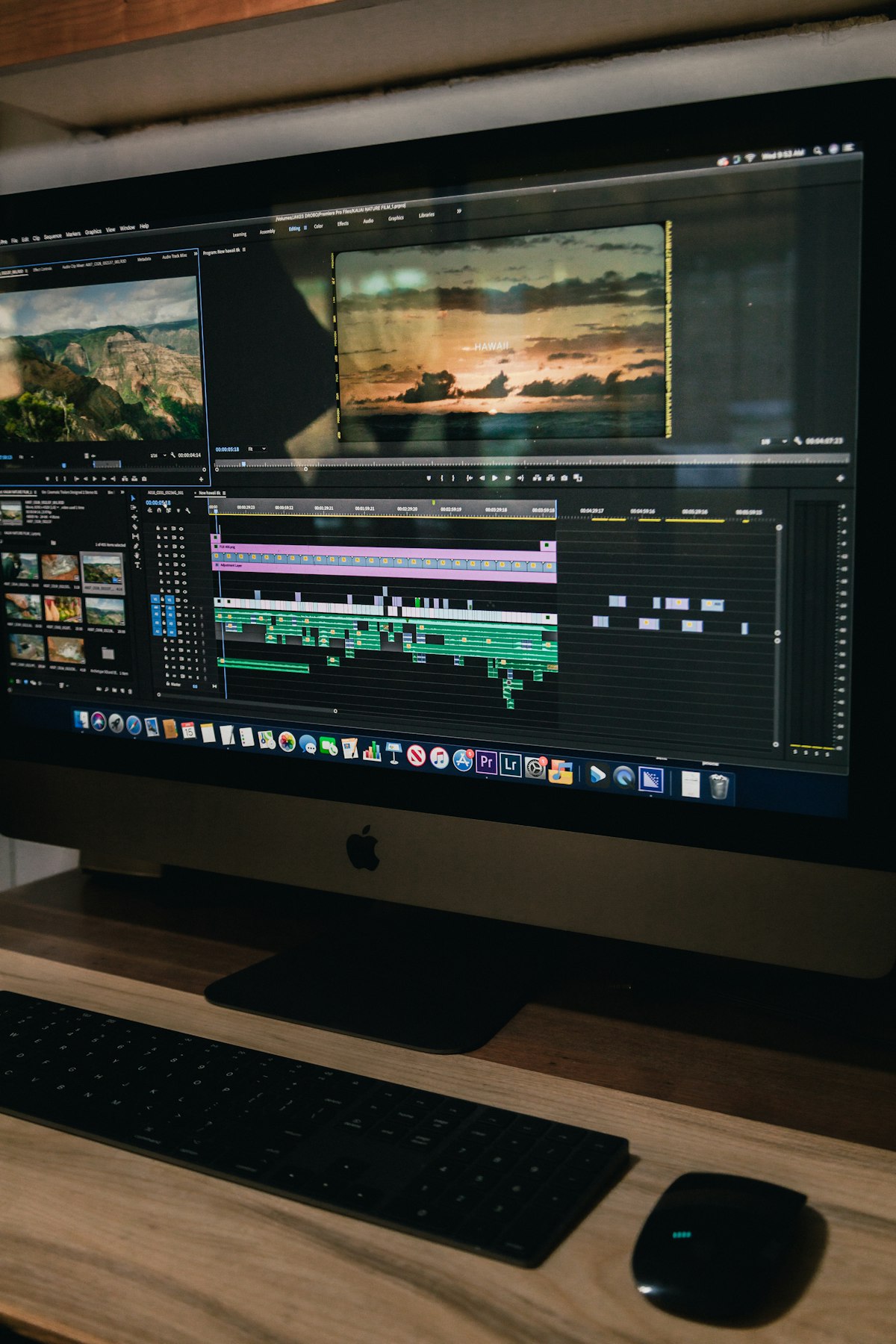
Leaks happen. A dropped link to an unedited podcast or upcoming major sponsor announcement can ruin months of coordinated marketing. The best workflow for handing off raw footage to an external editor is not a permanent, lingering folder link.
Instead, create ephemeral, expiring shares:
Your editor downloads the file at maximum speed, starts cutting the project, and the access link safely self-destructs behind them—ensuring your unreleased footage never stagnates online where it could be stumbled upon or scraped.
When your post-production workflow is optimized, you can stop fighting with progress bars and get back to what actually matters: creating incredible content.
Share this article
Experience password protection, auto-expiry, and download limits with Comfyfile
Start Sharing Free