
healthcaresecuritymedicalfile-transfer
How Healthcare Providers Share Medical Imaging Securely
·7 min read·Comfyfile
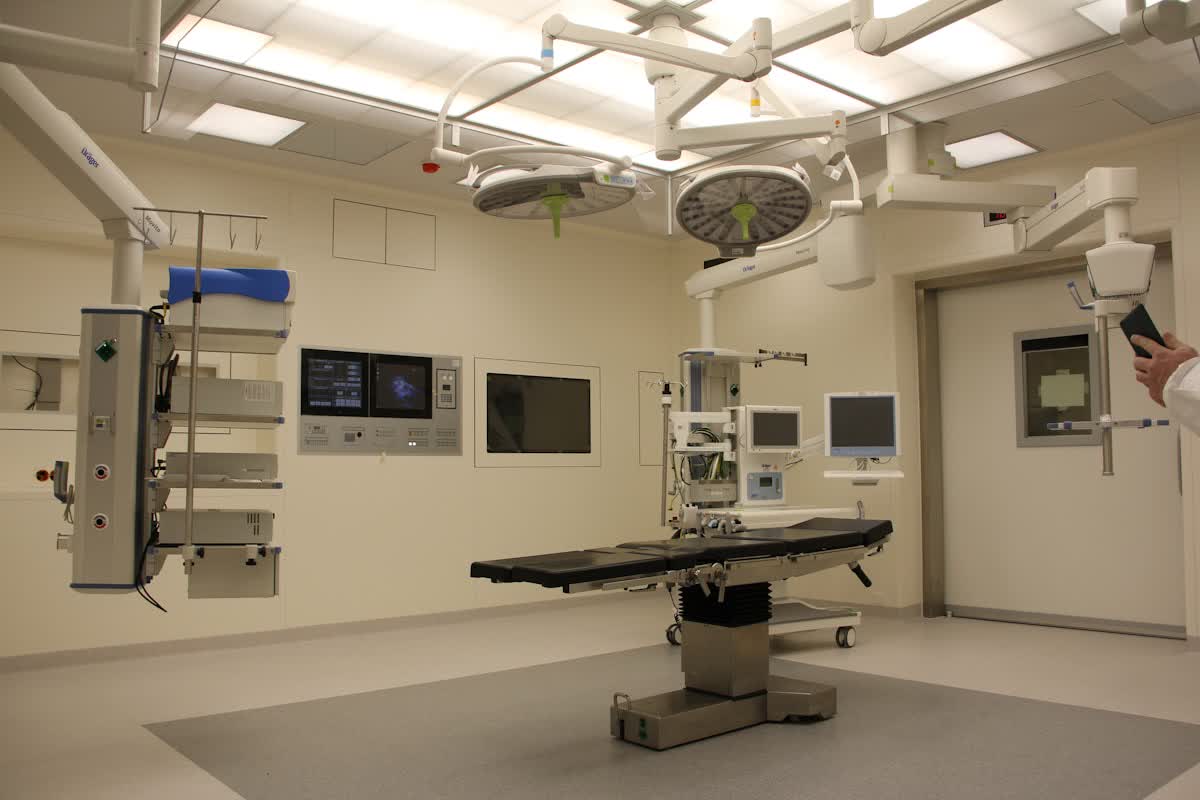
The healthcare industry has a massive data problem. A single high-resolution MRI or CT scan easily produces gigabytes of uncompressed DICOM imagery. Capturing these detailed images is straightforward. But getting them to a consulting specialist across town or sending them to a patient is a completely different challenge.
For decades, clinics relied on burning CDs—compact discs—and asking patients to physically carry them to their next doctor appointment. In 2026, most modern laptops don't even have disk drives. Patients lose CDs. Discs get scratched. Critical medical care gets delayed.
You might assume Electronic Health Records (EHR) solved this. Large hospital networks have deeply integrated, million-dollar systems that talk to each other. But independent clinics, rural providers, and specialized private practices often use completely different, non-communicating software platforms.
A chiropractor can't simply email a 5GB 3D-scan to an orthopedic surgeon. First, email servers reject attachments larger than 25MB. Second, standard email isn't secure enough for handling raw medical files that contain Protected Health Information (PHI).
When clinics try to bypass the physical CD mailing system, they often run into crippling limitations. Physical media remains the default specifically because finding a secure, high-capacity digital alternative feels too complicated.
Security isn't just about preventing hackers from stealing data. In a healthcare setting, it means controlling exactly who accesses a file, tracking when they view it, and ensuring it doesn't sit on a random server forever.
Standard, free-tier cloud services fail on multiple fronts. They treat your files as permanent storage. If you upload a folder of patient X-rays to a free account to share a link, that folder sits there indefinitely until someone remembers to delete it months or years later. Every day a sensitive file sits on a public server is another day it's at risk of a data breach.
Email is even worse. Standard email sends messages in plain text, bouncing across multiple servers before reaching the recipient's inbox. Unless both the sender and receiver use a complex encrypted PGP setup—something most patients and busy doctors simply won't navigate—emailing PHI is a massive risk.
Doctors are busy. Specialists are overbooked. When a provider needs to see an imaging study to make a critical surgical decision, they don't want to create three new accounts, download proprietary viewing software, or wait four days for a package in the mail.
They want to click a secure link, enter an authorization code, and see the file.
But convenience shouldn't override security. Medical regulations like HIPAA in the United States or GDPR in Europe mandate strict controls over patient data. While Comfyfile is not a covered entity and does not sign Business Associate Agreements (BAAs)—meaning it is not formally "HIPAA certified"—it supports workflows that align with general security and compliance best practices perfectly for independent practitioners who manage their own security compliance matrices.
You need a middle ground: a platform that supports huge file sizes, enforces strict access controls, and automatically deletes the data when it's no longer needed.
Instead of burning a CD and dealing with courier services, clinics can modernize their file transfer process using temporary, secure sharing platforms.
Here's exactly how a modern clinic handles a large DICOM transfer:

The specialist on the other end receives the URL. They click it. They don't have to create an account or navigate a complicated login portal. They simply enter the password, download the massive ZIP file directly via a presigned URL, and review the images immediately.
Data location matters. For clinics operating in the EU, or those managing EU citizen data, server location is a critical compliance checkbox.
Comfyfile ensures that all files are stored on European Union-based servers. The platform maintains a private Access Control List (ACL) for all uploads. There are no public file listings or searchable directories. You can only access a file if you possess the exact, generated, long-string URL—and the password, if one was set.
This privacy-first design, combined with automatic data expiry and minimal data collection, creates an inherently GDPR-compatible environment for file sharing.
Another critical aspect of securing medical imagery transfers is knowing who accessed the files. If you burn a physical CD and hand it to a patient, you lose all visibility once they walk out the door. You have no idea if they actually gave it to the specialist, or if they left it on a table in a coffee shop.
When you use a secure transfer platform, you regain that visibility.
Comfyfile tracks download counts and view counts for every share. A clinic can restrict the total number of allowed downloads. If you're sending a scan to a single specialist, you can cap the download limit at exactly 1.
If someone else gets the link and the password after the specialist already downloaded it, the system will block their access. You can also view failed passcode attempts, giving your IT staff an alert if someone is trying to brute-force a secure file link.
The biggest vulnerability in modern clinics isn't hackers actively breaking into servers. It's forgotten files.
An administrative assistant uploads a folder of scans to an unsecured drive "just temporarily" to send a link to a colleague. Six months later, the assistant leaves for a new job. The folder stays on that drive, completely forgotten, until a routine security sweep uncovers it—or worse, an automated bot scrapes the open bucket.
This is why temporary file sharing is vastly superior to permanent cloud storage for sensitive transfers. A surgical team only needs the MRI for the pre-op planning and the surgery itself. They don't need to host a copy of the raw DICOM files on an intermediary transit server for five years.
Comfyfile enforces auto-expiry. Free, anonymous uploads automatically expire and are wiped from the servers within 24 hours. Paid tiers allow you to push this up to 30 or 90 days, but the core principle remains the same: the files have a designated death date. The platform acts as a digital courier, not a digital filing cabinet.
Relying on physical CDs for medical imaging in 2026 is a disservice to both clinical efficiency and patient care.
The transition to digital transfers doesn't have to mean overhauling your entire EHR software platform or signing expensive enterprise contracts. By adopting a secure, temporary file-sharing workflow, independent practices can reduce courier costs, speed up consult times, and maintain tight control over their sensitive data.
Start by auditing how your clinic currently sends patient imaging to outside specialists. If the answer involves physical media or standard unencrypted email, it's time to upgrade your workflow. Set a policy requiring all outgoing digital files to use a secure platform with strict auto-expiry rules and mandatory password protection. Your administrative staff will thank you, and your patients will receive faster, better coordinated care.
Share this article
Experience password protection, auto-expiry, and download limits with Comfyfile
Start Sharing Free